Redesigning the product catalog for faster, smarter sales
A complete redesign of the product catalog feature on Mercado Pago's Point Smart device: making it faster, more flexible, and accessible to small and medium-sized businesses across Brazil.
The challenge at a glance
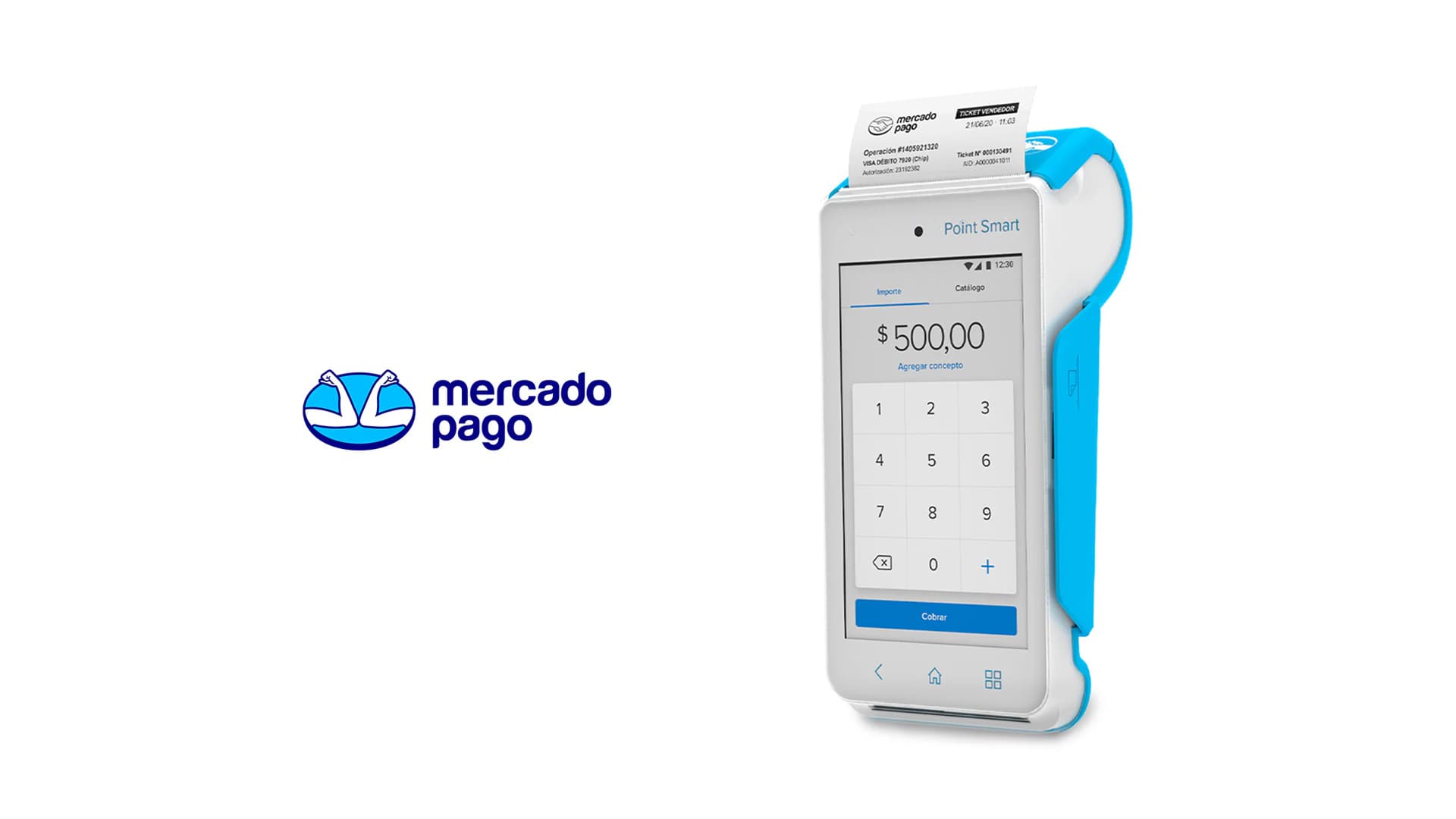
Point Smart is Mercado Pago's flagship payment device for physical stores, a touchscreen POS that lets merchants accept card payments and manage sales. The device includes a product catalog feature that allows sellers to build a cart by tapping items, rather than manually entering amounts.
Despite its potential, the feature was barely used. Only around 1 in 10 active users ever touched it. The goal of this project was to understand why, and redesign the experience from the ground up.
What users actually needed
We ran user interviews and usability testing sessions with merchants across different business sizes and contexts. Four core themes emerged that shaped every design decision that followed.

Merchants often mix catalog items with custom amounts in a single sale. The feature didn't support this.
Sellers with large inventories faced a steep entry barrier. The item creation process was too slow and manual.
Merchants wanted visual shortcuts for quick item interaction across cashier staff.
The use case always happens under time pressure with customers waiting in line.
Aligning user needs with business objectives
The project had three interlocking business goals that we balanced against the research findings throughout the design process.
Engagement
Grow feature adoption and perceived value among active users who hadn't yet tried the catalog.
Retention
Increase switching costs by making the catalog feature indispensable to merchants' daily operations.
Move-up market
Build a feature powerful enough to attract SMB merchants with larger, more complex inventories.
What made this project genuinely hard
Beyond the design brief, the team navigated three layers of real-world constraints that shaped our decisions throughout.
User range
The solution had to work for merchants with 5 items and merchants with 5,000.
Retro-compatibility
Any change had to be backwards-compatible with existing item lists.
Roadmap alignment
Design the feature alongside a roadmap of a potential set of upcoming capabilities.
Designing in the real world
In practice, the design process looked less like a clean diagram and more like overlapping, iterative cycles. What kept things from going sideways was having a shared set of principles to return to.
Before moving, understand
Gain an understanding of the goals. Know your users and identify the problem and technical constraints.
Match fidelity to stage
Gradually increase proposal detail while the project moves forward. Avoid the temptation to use out-of-timing design tools.
Have a facilitator mindset
Paint a picture to your audience. Present the pros, cons, and the thinking behind every design decision. Make agreements and move forward.
Document as you go
Document the design process on every stage of the project. Use it like a travel diary.
Launch is not the end
Monitor the feature post-launch and use data to plan the next iteration.
Key design challenges
Countertop interaction model
A subtle but important constraint: the device typically rests on a countertop, used at a slight downward angle. This had direct implications for touch target size, information density, and how much the UI could demand of the user's attention at any moment.
Mixed-sale flow
Research showed merchants frequently needed to combine catalog items with custom amounts in a single transaction. The new design unified them through a shared cart model accessible from both the value entry screen and the catalog tab.
Speed through customization
Research showed that cashier staff needed to identify items fast. We introduced a color assignment system for both categories and individual items. Merchants could assign colors during setup reducing scan time and cognitive load significantly during the checkout process.
Cart flexibility
Usability testing surfaced something we hadn't anticipated: some users expected to remove an item from the cart by pushing its counter down to zero. We hadn't designed for that. We added it before launch.
Outcomes after launch
The redesign increased feature adoption. The launch was associated with a communication strategy across platforms to inform users about it. The campaign included mail, push notifications, and an article in the Mercado Pago sellers’ blog.
What came next
The redesign was the foundation for a broader set of features aimed at making the catalog more powerful for larger businesses. Three initiatives were scoped as direct next steps.